
Production and traceability
If you know which part is in which product, you can narrow down the affected products in case of a complaint instead of recalling a whole batch. RFID captures parts, assemblies and load carriers automatically at every station, even when installed.
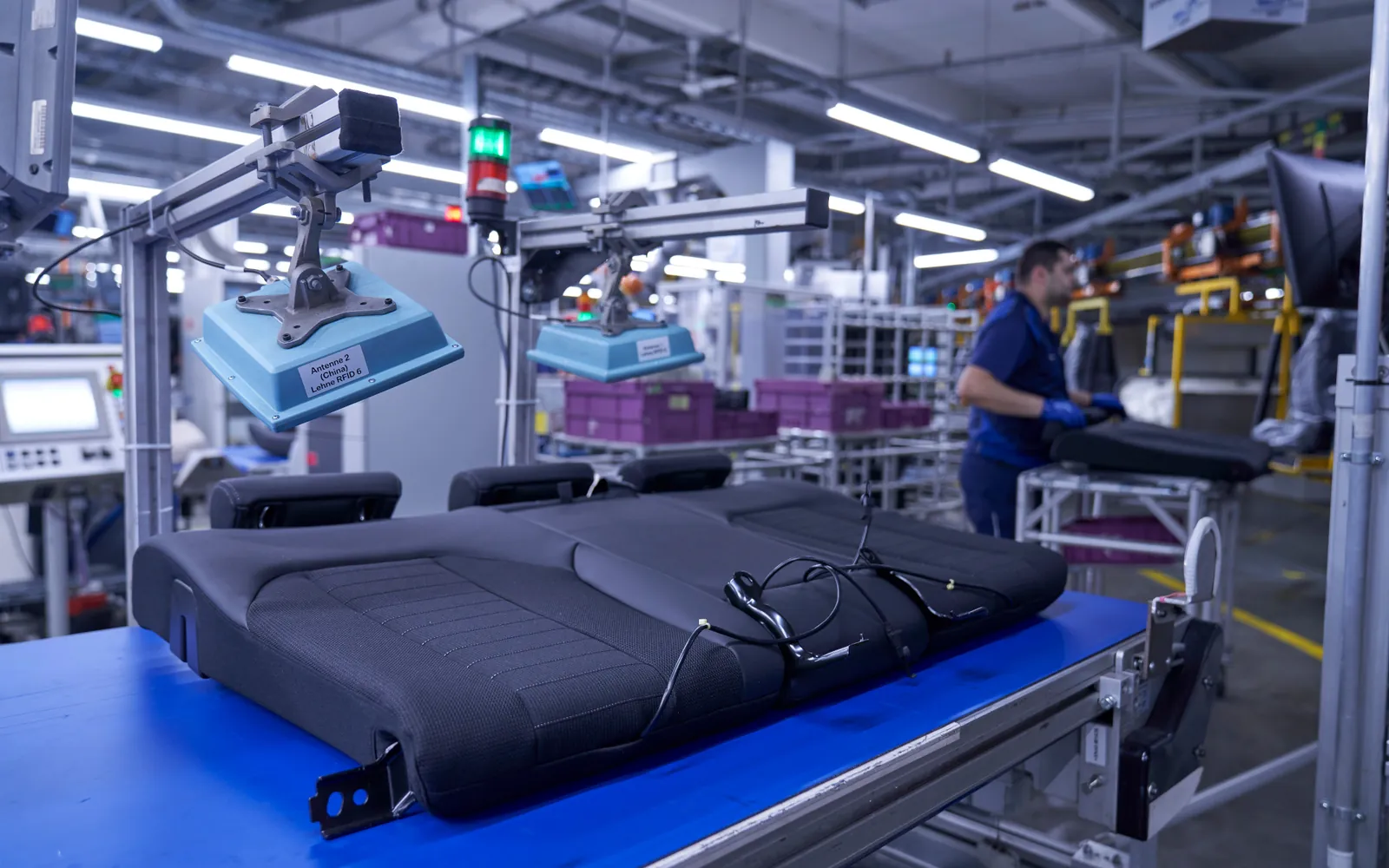
Batch size one instead of whole batches
Manual postings, paper lists and barcode scans take time and are error-prone. Where the conditions are right, RFID replaces these captures completely. Lead times, waiting times and the stations passed become visible along the way.
How production with RFID works in practice
In production several processes interlock. Three typical building blocks that can be combined: the history of every product on the line, replenishment by Kanban and the issue of tools and equipment. In each variant you can switch between two cases.
Isometric view of an assembly line. A workpiece carrier moves on a conveyor through four RFID stations. At the start station the production order is assigned to it, at two assembly stations a circuit board and a module are fitted and their tags read. The end-of-line module with reader, light barrier and signal light has an RFID label printed and applied to the customer’s specification and checks it. R-COM Gateway brings all data together and reports it to MES and ERP.
The carrier gets its order
The MES releases production order FA-50117. At the start station the reader reads workpiece carrier WT-07, and R-COM Gateway assigns order and serial number to it. From here on, every station is linked to this product.
{
  "Carrier": "WT-07",
  "Order": "FA-50117",
  "Product": "SB-200",
  "Serial": "000815"
}Isometric view of an assembly line with a Kanban rack. Every small load carrier has a Kanban label with RFID. A worker empties a container and puts it on the return level at the top of the rack, whose antennas read the label automatically. R-COM Gateway reports the Kanban signal to SAP, and SAP creates the replenishment. A tugger train comes from the supermarket in the warehouse, puts a full container into the rack and takes the empty one away. In the second case the empty container is left at the workstation. The rack reports that the minimum stock has been undercut, R-COM Gateway triggers urgent replenishment and shows the missing container on the monitor.
The last pick empties the container
At line 2 the worker takes housing covers from container KB-0311 until it is empty. Every container has a Kanban label with RFID, printed on an RFID printer. The antennas in the rack see which containers are standing full in their compartments.
{
  "Card": "KB-0311",
  "Control loop": "RK-031",
  "Material": "4711-310 housing cover",
  "Quantity": 40,
  "Deliver to": "Line 2 · rack R2"
}Isometric view of a tool crib. Tools lie in the rack, each with an RFID tag. A worker holds his badge to the issue station, takes a torque wrench from the rack and places it on the station. The reader recognises badge and tool, and R-COM Gateway checks the due date of the next calibration. If the inspection is valid, the issue is posted to the ERP, and at the end of the shift the return is posted the same way. If the due date has passed, R-COM Gateway blocks the issue, the wrench goes into the quarantine compartment, an inspection order is created in the ERP, and the worker receives a replacement with a valid inspection.
The badge signs the worker in
A worker from assembly holds his badge to the issue station. The RFID reader recognises the badge number, and R-COM Gateway links it to department and cost centre.
{
  "Badge": "10427",
  "Department": "Assembly line 2",
  "Cost centre": "4120",
  "Station": "Tool crib 1"
}
What it looks like in R-COM Gateway
Custom UIs are your own screens in R-COM Gateway: the monitor at the line, the history of every serial number, the Kanban rack and the inspection dates of your equipment. They run on live data and your permissions. And you do not have to rely on us to build them.
Three ways to your own overview
- 01Set up by us
We build the screens to fit your process, as part of the project.
- 02Adapted by you
You change columns, filters, limits or build entirely new views yourself in the software. No waiting for a new release.
- 03Created by AI
Describe in your own words what you want to see. The AI integration in R-COM Gateway builds the dashboard from it with your live data, without a separate BI tool or extra licences.
Show all test equipment due for calibration in the next 30 days, with the last read location and who has it right now.
- Built today412
- In progress4
- Labels verified99.3%
- In rework1
- Station at cycle1
- Line: SB-200
- Shift: early
- Order: FA-50117
| Station | Current | Parts today | Avg. cycle | Status |
|---|---|---|---|---|
| Start · order | WT-07 · 000815 | 416 | 38 s | running |
| Assembly 1 · board | WT-06 · 000814 | 415 | 52 s | running |
| Assembly 2 · module | WT-05 · 000813 | 414 | 58 s | at cycle |
| End of line · label | WT-04 · 000812 | 412 | 44 s | running |
| Rework | 000798 · label | 3 | – | 1 open |
Bars: average cycle time relative to the line cycle of 60 seconds
- Order
- FA-50117
- Carrier
- WT-07
- Status
- completion posted
- Lead time
- 14 min
- MES and ERPCompletion posted with complete history
- End-of-line moduleLabel read back, content matches the print job
- Print and applyRFID label printed, encoded and applied
- Assembly 2Module M-7731 fitted
- Assembly 1Board from batch C-118 fitted
- Start · orderCarrier WT-07 read, serial 000815 assigned
- Board
- batch C-118
- Module
- M-7731
- Label
- RFID, verified
- Products with batch C-118
- 212
- Export
- XML, CSV
- Full in rack9 / 12
- Replenishment requested3
- Below minimum0
- 1KB-0314
- 2KB-0312
- 3KB-0313
- 4–
- 1KB-0321
- 2KB-0322
- 3KB-0323
- 4KB-0324
- 1KB-0331
- 2–
- 3–
- 4KB-0334
- full
- just delivered
- empty, replenishment requested
- KB-0314 read full in compartment 1, RK-031 confirmed
- Tugger train route 3 takes KB-0311 away empty
- KB-0332 and KB-0333 returned empty, replenishment NA-20421
- KB-0311 returned empty, Kanban signal to SAP
- KB-0322 read again, no second signal
- Test equipment total486
- Overdue5
- Due in 30 days23
- Issue blocked4
| Equipment | Location | Overdue | Last read | Status |
|---|---|---|---|---|
| MS-0118 Caliper | Line 2 · assembly 1 | 12 days | Assembly 1 · yesterday 22:40 | Email to supervisor |
| WZ-0207 Torque wrench | Quarantine, crib 1 | 8 days | Issue station 1 · 07:12 | Inspection order PA-3307 |
| WZ-0164 Torque wrench | Tool crib 2 | 5 days | Rack B · compartment 4 | Issue blocked |
| PL-0042 Gauge SB-200 | Quality inspection | 3 days | Issue station 1 · Mon 06:05 | Inspection order PA-3311 |
| WZ-0231 Torque screwdriver | Calibration lab | 2 days | Lab door · yesterday | In calibration |
How we implement it
Analysis and feasibility
Record objects, stations and processes, check feasibility and choose the technology: LF, HF or UHF.
Marking to standard
RFID labels or hard tags, printed and encoded to industry standards such as ISO/IEC 15459 or GS1 and to your customers’ requirements.
Inspection at the line
An end-of-line module with reader, light barrier and signal light receives the print job, creates the encoding, sends it to printer or applicator and checks the finished label.
Bring the data together
R-COM® Gateway assigns parts to orders and groups and reports the events to MES and ERP.
What the solution does
- Traceability down to batch size one
- Encoding to industry standards and manufacturer requirements
- Inspection of every printed label
- Data export in the formats your customers require (XML, CSV)
- From a single workstation in pre-series to series production
- Authenticity checks for parts can be added
Matching hardware
Software
The software behind this solution is R-COM Gateway. The platform controls readers, printers and handhelds, processes every event according to your rules and posts the result to SAP or other systems.
In practice
All reference projects Automotive · Porsche and VW
The transparent prototype
At the end of 2012, Porsche and VW implemented the world’s first transparent prototype together with the consultancy MHP and Data Elektronik as technology supplier: parts are captured by RFID while installed.
Read the case study Automotive · Suppliers
From pre-series to series production
Other carmakers followed the transparent prototype. Instead of a few thousand labels in pre-series, series production means millions that have to be encoded, printed, applied and checked for every part.
Read the case study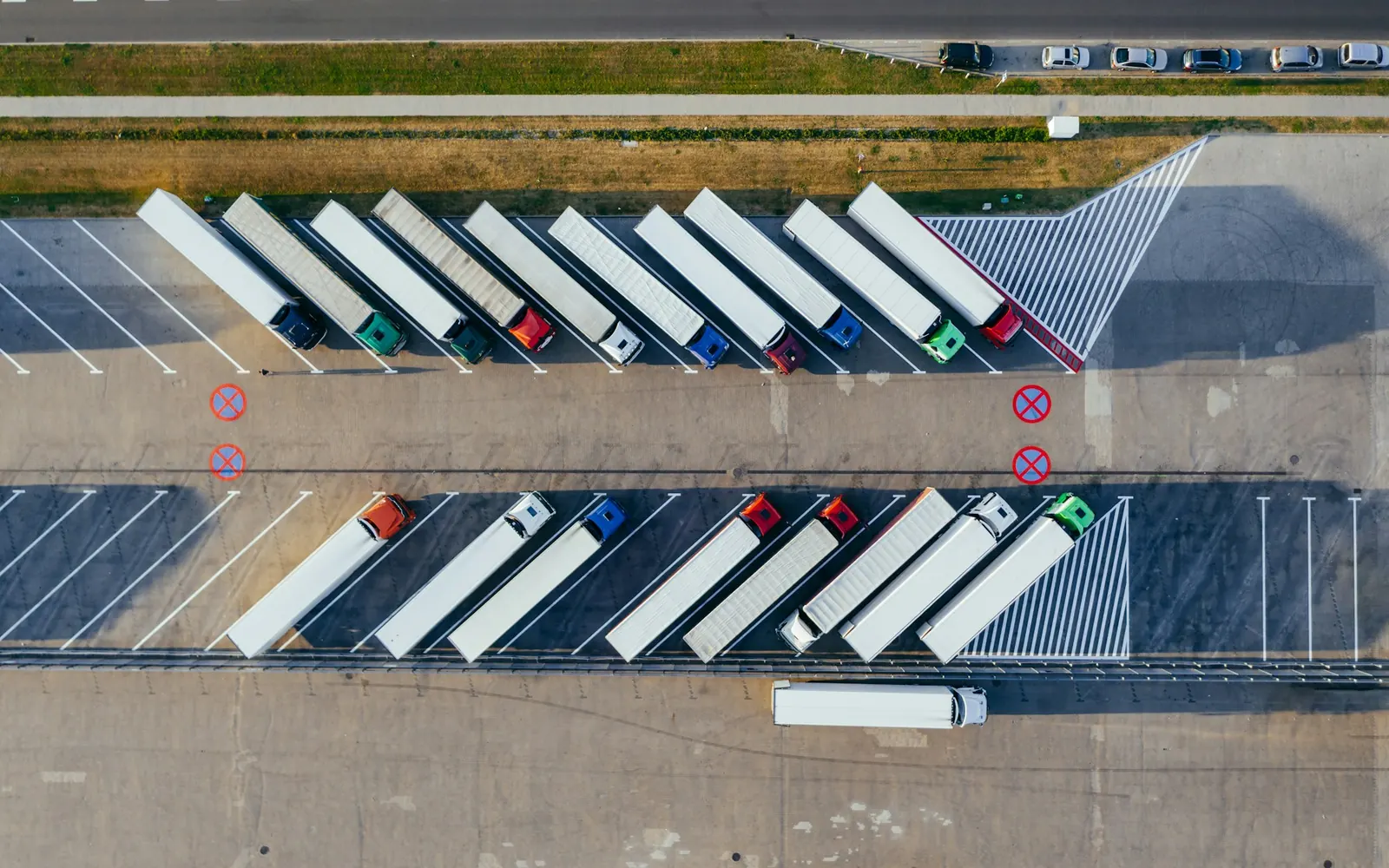 Industry · Technology group
One Auto-ID platform for around 120 plants
A global technology group with more than 400,000 employees is replacing SAP AII and SAP OER with R-COM Gateway to run its Auto-ID applications centrally. The project is delivered with an IT consultancy as general contractor.
Read the case study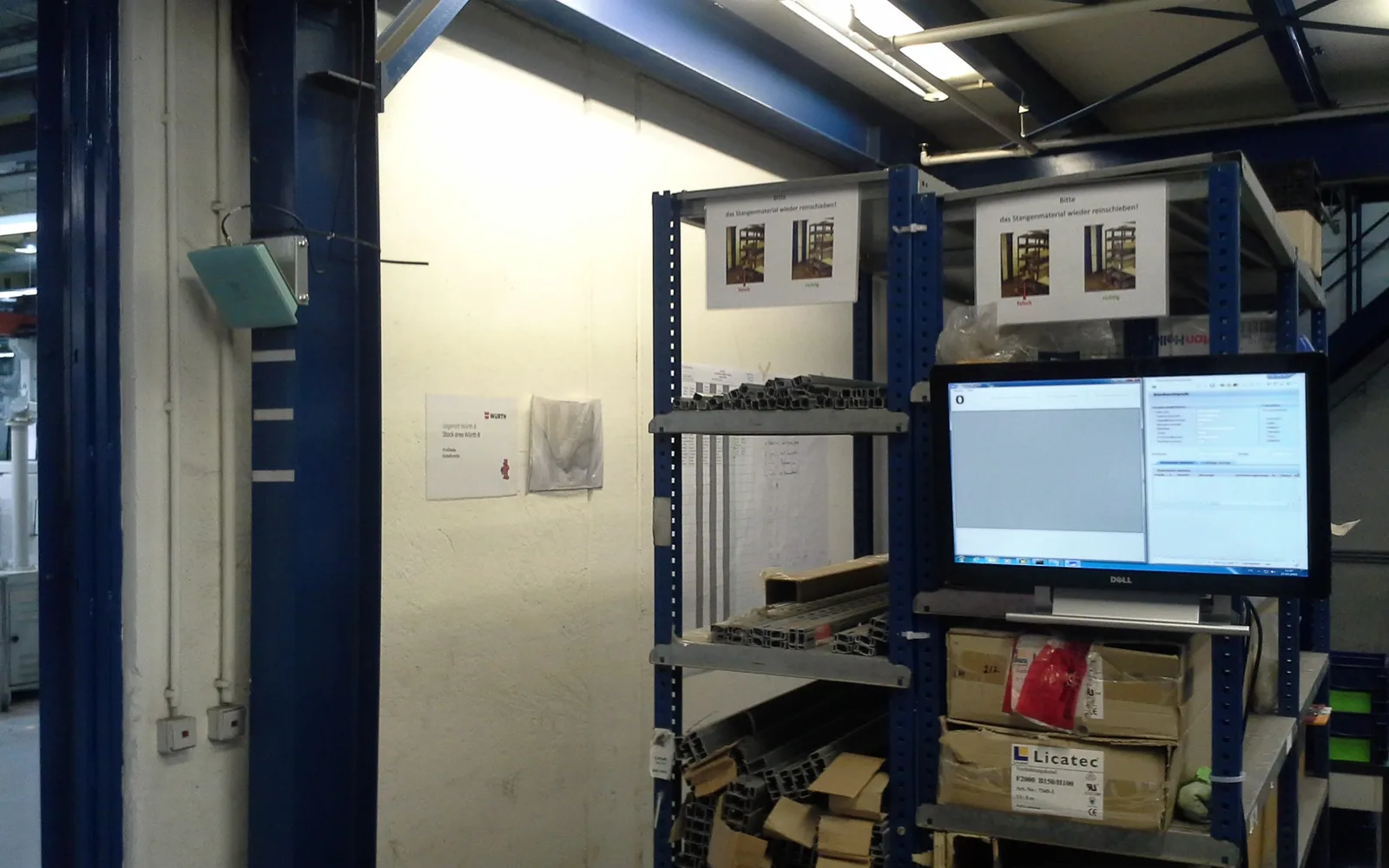 Industry · GE Power Conversion
Kanban with RFID between warehouse and shop floor
At GE Power Conversion in Berlin, a General Electric business, RFID replaces scanning of Kanban cards between warehouse and shop floor. In 2015 the project was the first use of the first generation of R-COM Gateway.
Read the case studyFAQ
Which standard are parts marked to?
That depends on the industry and the customer. Common choices are unique identifiers to ISO/IEC 15459 with data identifiers to ISO/IEC 15418, GS1 keys such as the SGTIN, and company or industry standards, in the automotive industry for example the VDA recommendations. We encode to whatever your customers require and advise you if there is no specification yet.
Can RFID be combined with existing barcodes?
Yes. Many labels carry both: RFID for automatic capture and a barcode or Data Matrix code for visual checks and existing processes.
Let's talk about your project
An initial call with a consultant who knows your industry. Phone +49 621 4108 0 · info@data-elektronik.de