
Inventory and asset management
In an RFID asset inventory, an employee walks through the rooms with a handheld and the device captures all tagged assets in range. No more searching, missing assets show up immediately, and stock can be checked at any time rather than every few years.

Little hardware, quick benefit
Assets are tagged once for their entire life. After that you only need handhelds and an app. An SAP connection is not needed to start: inventory lists can be exported from the ERP as Excel or CSV files and the results imported the same way.
How inventory and asset management works in practice
Asset management is more than the annual count. Three typical building blocks that can be combined: the inventory with a handheld, checking a vehicle’s equipment at a gate and tagging new assets on arrival. In each variant you can switch between two cases.
Isometric view of two office rooms with a table, projector, display, desks, PC, monitor, printer and laptop. Each asset carries an RFID tag. An employee with an RFID handheld scans the barcode at the door, enters the room and captures all tags in range. The R-COM Digital Inventory app compares the result with the inventory list from SAP and returns it as a CSV file.
The inventory list goes to the handheld
The inventory list comes from SAP as a CSV file and is loaded into the R-COM Digital Inventory app. A direct interface is not needed to get started.
Asset;Description;Room
AN-100231;Meeting table;2.14
AN-100233;Projector;2.14
AN-100234;Display;2.14
AN-100240;PC;2.15
AN-100241;Monitor;2.15
AN-100242;Printer;2.15
AN-100245;Laptop;2.15
Isometric view of a parking bay for police patrol cars. A vehicle drives in through an RFID gate that reads the tag on the windscreen. R-COM Gateway identifies the vehicle and loads its target list of eight tagged items in the cabin and boot. Two movable antennas move towards the tailgate, and a light barrier starts the read. The result appears on a tablet next to the parking bay. In the second case the fire extinguisher is missing from the boot.
The gate identifies the vehicle
The patrol car drives into parking bay 3. The RFID gate at the entrance reads the tag on the windscreen, and R-COM Gateway identifies vehicle EF-12.
{
  "Event": "Entry",
  "Gate": "Parking bay 3",
  "Vehicle": "EF-12",
  "Tag": "Windscreen"
}Isometric view of a goods receipt area. A supplier brings a new display on a rolling stand. In the first case it already carries an RFID tag that the supplier attached according to the encoding scheme and the RFID specification. An employee reads it with a handheld, and R-COM Gateway checks it against the encoding scheme. In the second case the display arrives without a tag, an RFID printer at goods receipt prints and encodes the label, and the employee attaches it. In both cases R-COM Gateway links the tag to the asset number in SAP PM, and the display goes to room 2.15.
A new asset arrives
The supplier brings a new display, which is already set up in SAP as asset AN-100318. The supplier tagged it before shipping according to the RFID specification: tag type, position and encoding are defined.
{
  "Asset": "AN-100318",
  "Description": "Display 55 inch",
  "Room": "2.15",
  "Tag": "not linked yet"
}
What it looks like in R-COM Gateway
Custom UIs are your own screens in R-COM Gateway: the progress of an inventory per room, open deviations, the record of every asset and the equipment of every vehicle. They run on live data and your permissions. And you do not have to rely on us to build them.
Three ways to your own overview
- 01Set up by us
We build the screens to fit your process, as part of the project.
- 02Adapted by you
You change columns, filters, limits or build entirely new views yourself in the software. No waiting for a new release.
- 03Created by AI
Describe in your own words what you want to see. The AI integration in R-COM Gateway builds the dashboard from it with your live data, without a separate BI tool or extra licences.
Show for the current inventory how many assets SAP expects in each room and how many have been captured so far, and highlight rooms with deviations in red.
- Rooms24
- Completed15
- Assets expected412
- Captured361
- Deviations6
- Inventory: INV-2026-11
- Building: 2
- Floor: all
| Room | Use | Expected | Captured | Deviations |
|---|---|---|---|---|
| 2.12 | Office | 6 | 6 of 6 | 0 |
| 2.13 | Office | 5 | 5 of 5 | 0 |
| 2.14 | Meeting room | 3 | 2 of 3 | 2 |
| 2.15 | Office | 4 | 3 of 4 | 1 |
| 2.16 | Kitchen | 4 | 0 of 4 | open |
| 2.20 | Server room | 38 | 21 of 38 | running |
Bars: captured assets relative to the expected number per room
- Open deviations6
- Open for more than 10 days4
- Oldest case18 days
| Asset | Room in SAP | Open for | Last read | Status |
|---|---|---|---|---|
| AN-100187 | 1.07 | 18 days | Room 1.07 · 02 Sep | Department informed |
| AN-100156 | 1.03 | 16 days | Room 1.11 · 14 Oct | Department informed |
| AN-100233 | 2.14 | 12 days | Room 2.14 · 05 Sep | Email sent |
| AN-100298 | 2.20 | 11 days | Room 2.20 · 30 Sep | Email sent |
- Description
- Display 55 inch
- Room
- 2.15
- Tagging
- by supplier
- SAP PM
- linked
- Room 2.15Inventory INV-2026-12: found
- Room 2.15captured, location confirmed by room barcode
- SAP PMtag linked to asset AN-100318
- Goods receipttag checked: GIAI-96, ID unique
- Goods receiptdelivered by SUP-0418, tagged by supplier
- EPC
- 4012345.7000421
- Encoding
- GIAI-96
- Position
- as specified
- Asset
- AN-100318
- Supplier
- SUP-0418
- Acquired
- 05 Nov 2026
- Expected8
- On board7
- Missing1
- Last check07:42
- 1AUS-0301
- 2AUS-0302
- 3AUS-0303
- 1AUS-0304
- 2AUS-0305
- 3AUS-0306
- 4AUS-0307
- 5AUS-0308
- on board
- replaced since last check
- missing
- Check: 7 of 8, AUS-0304 fire extinguisher missing
- Light barrier triggered, read started
- EF-12 identified at the gate, target list loaded
- Yesterday: AUS-0306 warning lights replaced, check complete
- Yesterday: check 7 of 8, AUS-0306 warning lights missing
How we implement it
Tagging
Tags for metal and other surfaces, with as few variants as possible. Supplied printed and encoded, or created in-house with an RFID printer and software.
R-COM Digital Inventory app
Multilingual and easy to use. Scan a room barcode or pick a location, and all tags captured afterwards are assigned to it. Assets without a tag can be captured by barcode at the same time.
Data exchange
Excel/CSV with SAP and other ERP systems, or a direct interface, for example for postings in SAP asset accounting or SAP PM.
Devices and service
RFID handhelds, loan devices for individual inventories, plus service and repair.
What the solution does
- Preload inventory lists or capture freely
- Automatic assignment to location
- Look-up and rewriting of tags with permission
- RFID and barcode in one app
- Ready to start without ERP integration
- Loan devices for annual stocktakes
Matching hardware
Software
The software behind this solution is R-COM® Gateway. The platform controls readers, printers and handhelds, processes every event according to your rules and posts the result to SAP or other systems.
In practice
All reference projects Finance · European Central Bank
Asset management for the European Central Bank
The European Central Bank (ECB) inventories all its fixed assets by RFID. Data Elektronik created the encoding scheme and the RFID specification for the ECB’s suppliers.
Read the case study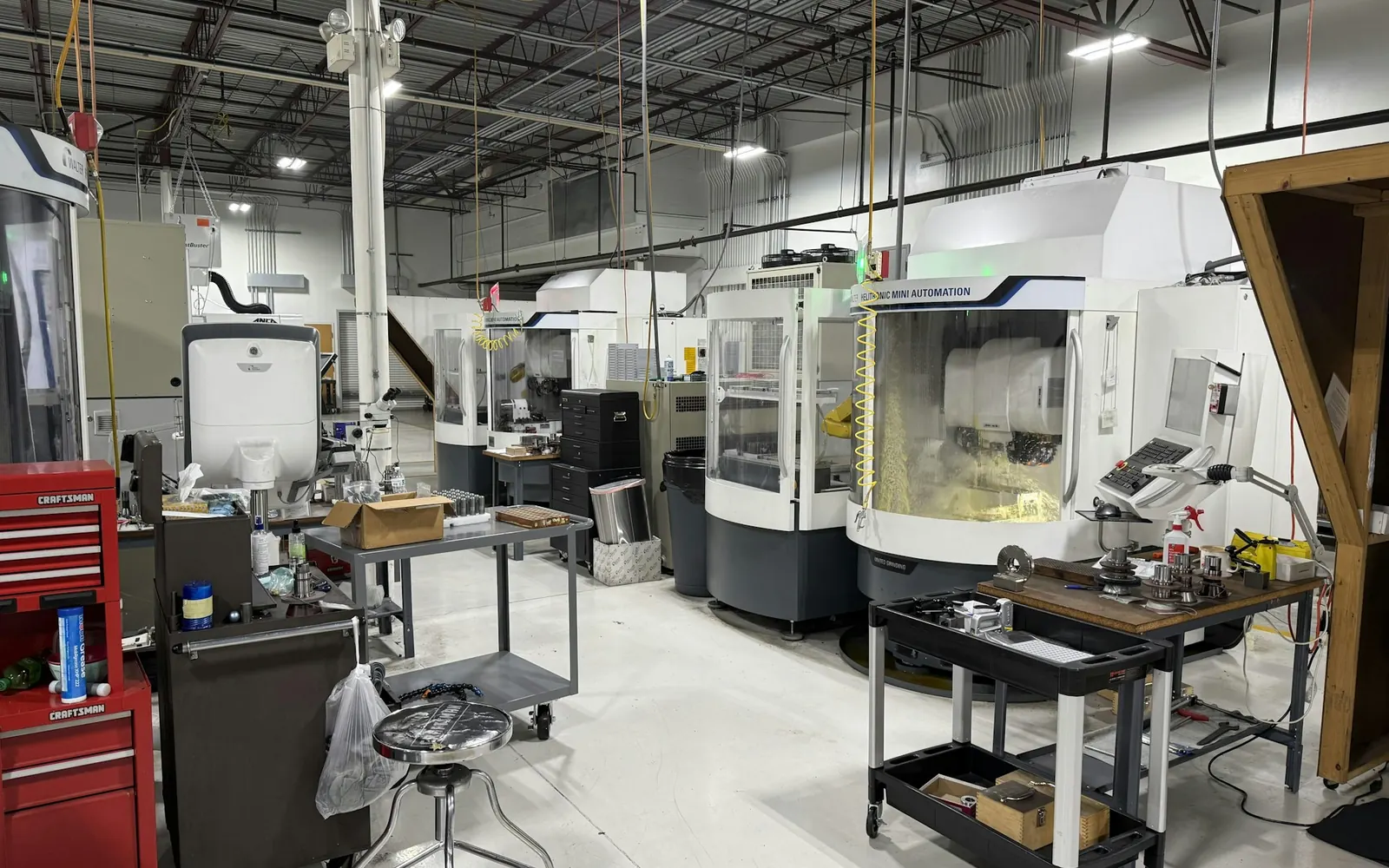 Automotive · Asset inventory
Asset inventory across several countries
A carmaker tags the fixed assets of its plants with RFID, around 50,000 tags per plant. After pilots in Hungary and Romania, the rollout continued to other countries.
Read the case study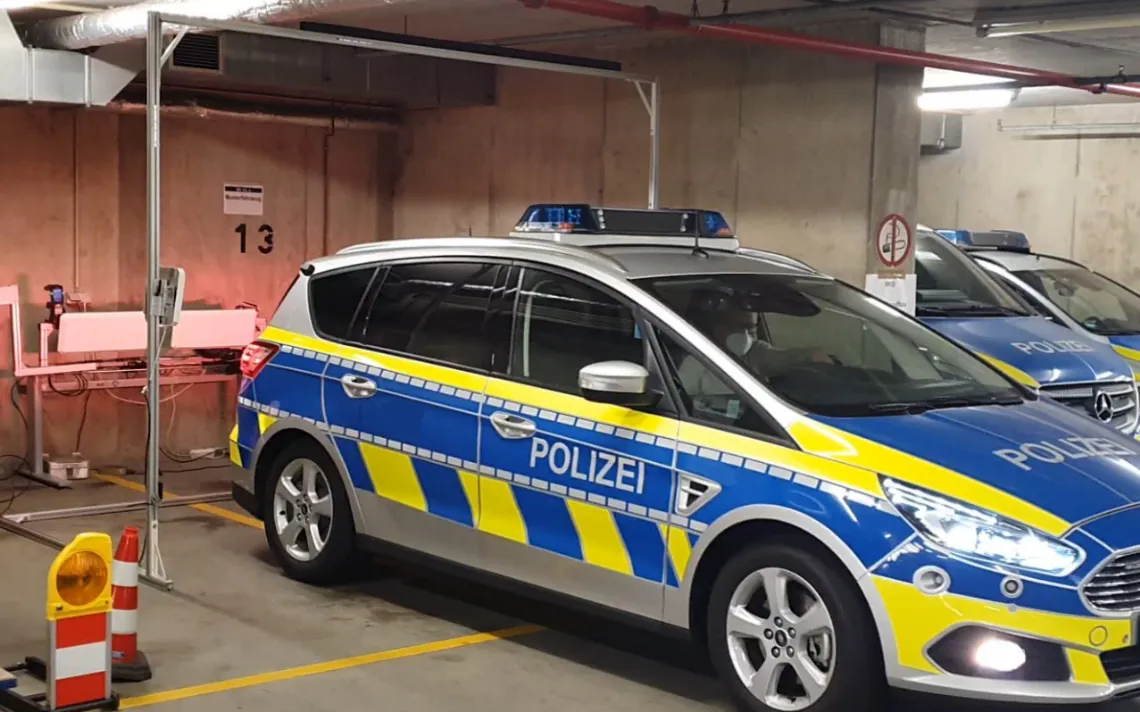 Public sector · Police
Equipment check in the patrol car
For a state police service centre, Data Elektronik implemented RFID applications in a pilot, including a gate that checks a patrol car’s equipment as it parks.
Read the case studyFAQ
How far does an RFID handheld read?
That depends mainly on tag size, surface and device. Powerful handhelds read passive UHF tags over several metres according to the manufacturers, small tags on metal much less. We choose tags so that your assets can be found from a practical distance.
Do we need SAP for this?
No. The app works stand-alone with Excel or CSV lists. You can add a direct SAP interface later.
Let's talk about your project
An initial call with a consultant who knows your industry. Phone +49 621 4108 0 · info@data-elektronik.de