
Mobile data capture and warehouse
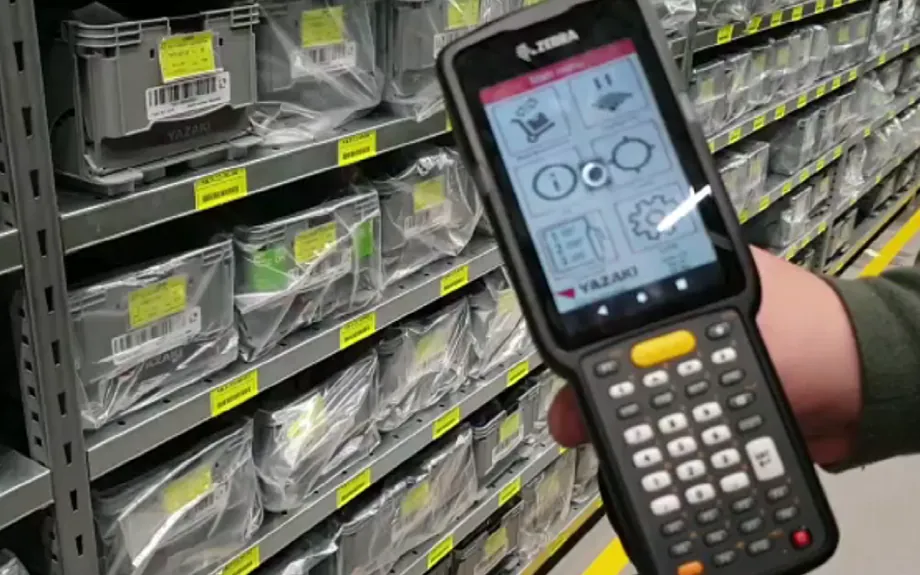
Wherever employees still work with paper, a mobile device with the right app pays off. For more than 30 years we have developed applications for mobile scanners in warehouses and production and connected them to SAP and other systems.
Standard software that adapts
No two warehouses work the same way, even if all of them run SAP. Rigid processes on the scanner tend to slow staff down. R-COM® Mobile combines ready-made templates with a designer that adapts processes to your operation quickly.
How mobile data capture works in practice
A handheld with the right app replaces paper where the work happens: in the rack aisle, during stocktaking and on the construction site. Three typical processes, each with R-COM Mobile and connected to your systems. In each variant you can switch between two cases.
Isometric view of a rack aisle with labelled storage locations and small load carriers. An employee with a handheld and a picking trolley receives an order from SAP. She goes to the location shown, scans the location and the item, confirms the quantity and puts the parts into the tote on the trolley. Finally the app posts the picking in SAP.
The order goes to the handheld
SAP sends picking order KO-88213 to R-COM Mobile. The app shows the first line with location, item and quantity. The workflow comes from a ready-made template that can be adapted to your operation.
Order    KO-88213

Line 1   4711-020 Sensor M12
         4 pcs · A-03-12
Line 2   4711-055 Cable 5 m
2 pcs · A-05-04Isometric view of a rack section with two levels and twelve bins full of cartons. An employee receives the stocktaking order on her handheld. In the first case she goes from bin to bin, scans the bin label and one item each time and enters the quantity, first the lower level, then the upper. In the second case she walks past the rack once with an RFID handheld and reads the tags of all cartons on both levels. In both cases R-COM Gateway compares the result with the book stock from SAP, finds a difference in bin B-02-09 and posts the count result in SAP.
The stocktake goes to the handheld
SAP creates the inventory document for rack section B-02, and R-COM Gateway sends it to R-COM Mobile. The app shows the twelve bins but no book stock: the count is blind.
{
  "Document": "INV-2026-0417",
  "Section": "B-02",
  "Bins": 12,
  "Capture": "Barcode",
  "Book stock": "not shown"
}Isometric view of a construction site. An RFID gate stands at the entrance, and handling units with glass elements lie in the storage area. Under a tower crane there is a steel structure with three bays, two of them already glazed. A fitter receives his installation list on the handheld and reads the label of the staged handling unit and the label of the installation position. The crane sets the glass element in place, the fitter reports the installation in the app, and R-COM Gateway updates the status for logistics. In the second case the handheld has no network at the installation position: the report stays buffered on the device and goes to R-COM Gateway as soon as the fitter has a connection again at the site office.
The installation list goes to the handheld
Every handling unit carries a label with RFID and barcode and was already captured when it passed the gate at the site entrance. R-COM Gateway sends the fitter the list for section D: two bays are installed, and PS-20418 for D-03 is staged.
Position  Unit       Status
D-01      PS-20416   installed
D-02      PS-20417   installed
D-03      PS-20418   staged
What it looks like in R-COM Gateway
Custom UIs in R-COM Gateway show what the mobile devices capture: open picking orders, stocktaking progress per rack, your own device fleet or installation progress on the construction site. They run on live data and your permissions. And you do not have to rely on us to build them.
Three ways to your own overview
- 01Set up by us
We build the screens to fit your process, as part of the project.
- 02Adapted by you
You change columns, filters, limits or build entirely new views yourself in the software. No waiting for a new release.
- 03Created by AI
Describe in your own words what you want to see. The AI integration in R-COM Gateway builds the dashboard from it with your live data, without a separate BI tool or extra licences.
Show all handhelds that have not synchronised for more than an hour or have less than 20% battery, with location and app version.
- Open12
- In progress4
- Picked today86
- Mis-picks caught3
- Warehouse: hall 1
- Zone: all
- Period: today
| Order | Zone · device | Lines | Progress | Status |
|---|---|---|---|---|
| KO-88213 | Zone A · MDE-07 | 2 | 6 / 6 pcs | posted |
| KO-88214 | Zone A · MDE-03 | 5 | 9 / 14 pcs | in progress |
| KO-88215 | Zone B · MDE-11 | 3 | 4 / 8 pcs | mis-pick corrected |
| KO-88220 | Zone B · MDE-05 | 1 | 2 / 2 pcs | posted |
| KO-88219 | Zone C · not assigned | 7 | 0 / 21 pcs | open |
Bars: quantity picked relative to the order quantity
- Bins counted12 / 24
- Differences1
- CaptureRFID
- 1B-02-07
- 2B-02-08
- 3B-02-09
- 4B-02-10
- 5B-02-11
- 6B-02-12
- 1B-02-01
- 2B-02-02
- 3B-02-03
- 4B-02-04
- 5B-02-05
- 6B-02-06
- 1B-03-07
- 2B-03-08
- 3B-03-09
- 4B-03-10
- 5B-03-11
- 6B-03-12
- 1B-03-01
- 2B-03-02
- 3B-03-03
- 4B-03-04
- 5B-03-05
- 6B-03-06
- still open
- counted, no difference
- difference
- Section B-03 started, captured by RFID
- Count for B-02 posted to SAP
- B-02-09: 4711-061, book 3, count 2
- B-02 read in a single pass, 27 tags
- Devices48
- Online44
- Battery below 20%2
- Reports buffered1
- Site: all
- Device type: all
- App: R-COM Mobile
| Device | Location · last sync | App version | Battery | Status |
|---|---|---|---|---|
| MDE-07 · handheld | Warehouse zone A · 1 min ago | 4.2.1 | 82% | online |
| RFID-02 · RFID handheld | Warehouse rack B · 3 min ago | 4.2.1 | 64% | online |
| MDE-B05 · handheld | Site section C · 12 min ago | 4.2.1 | 47% | offline, 1 report buffered |
| MDE-11 · handheld | Goods receipt · 2 min ago | 4.1.0 | 17% | charge battery |
| MDE-03 · handheld | Warehouse zone A · 1 min ago | 4.1.0 | 58% | update to 4.2.1 scheduled |
Bars: battery charge
- Units on site14
- Installed7
- Staged2
- Wrong place1
- installed
- staged
- in storage area
- wrong place
- Handling units
- 3
- Installed
- 3 / 3
- Last report
- 10:31
- PS-20418 installed at D-03, report from the buffer
- PS-20433 read in section B, destination is C
- PS-20410 staged at B-04
- PS-20418 delivered through gate 2
How we implement it
The right devices
Keypad or touch, pistol grip or ring scanner, Wi-Fi or cellular, standard or long-range scan engine. If RFID will be needed later, a combined device can save a replacement.
Templates for typical processes
Inventory, goods receipt, picking, packing and loading, production postings, asset transfers, tool issue, maintenance jobs and consignment stock, each with barcode or RFID.
Warehouse management
R-COM WMS is a lean, modular warehouse management system with a web interface and scanner and RFID support. We connect existing ERP and warehouse systems.
Operation
Staging, mobile device management (MDM), service and repair from one source.
What the solution does
- Ready-made templates plus a designer for adjustments
- Barcode and RFID in the same app
- Connection to SAP and other ERP systems
- Modular warehouse management system R-COM WMS
- Devices from leading manufacturers
- Used in logistics, manufacturing, retail, pharma, energy, hospitals and public administration
Matching hardware
Software
The software behind this solution is R-COM Gateway. The platform controls readers, printers and handhelds, processes every event according to your rules and posts the result to SAP or other systems.
In practice
All reference projects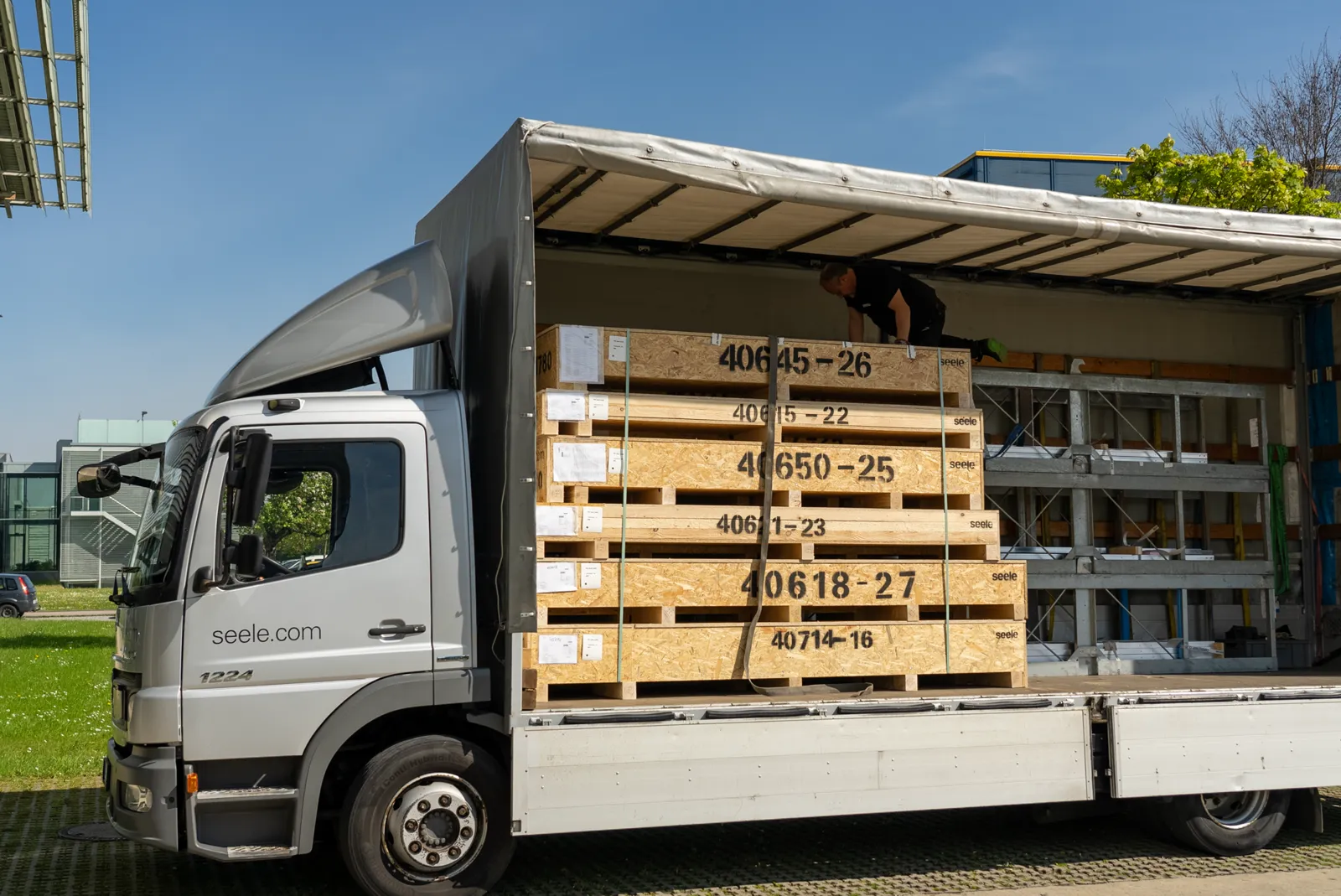 Construction · seele / Stuttgart 21
Construction logistics for Stuttgart 21
Façade specialist seele is building the 27 skylights of Stuttgart’s new main station. Every handling unit is tracked by RFID from production to installation, controlled by R-COM Gateway in the cloud.
Read the case study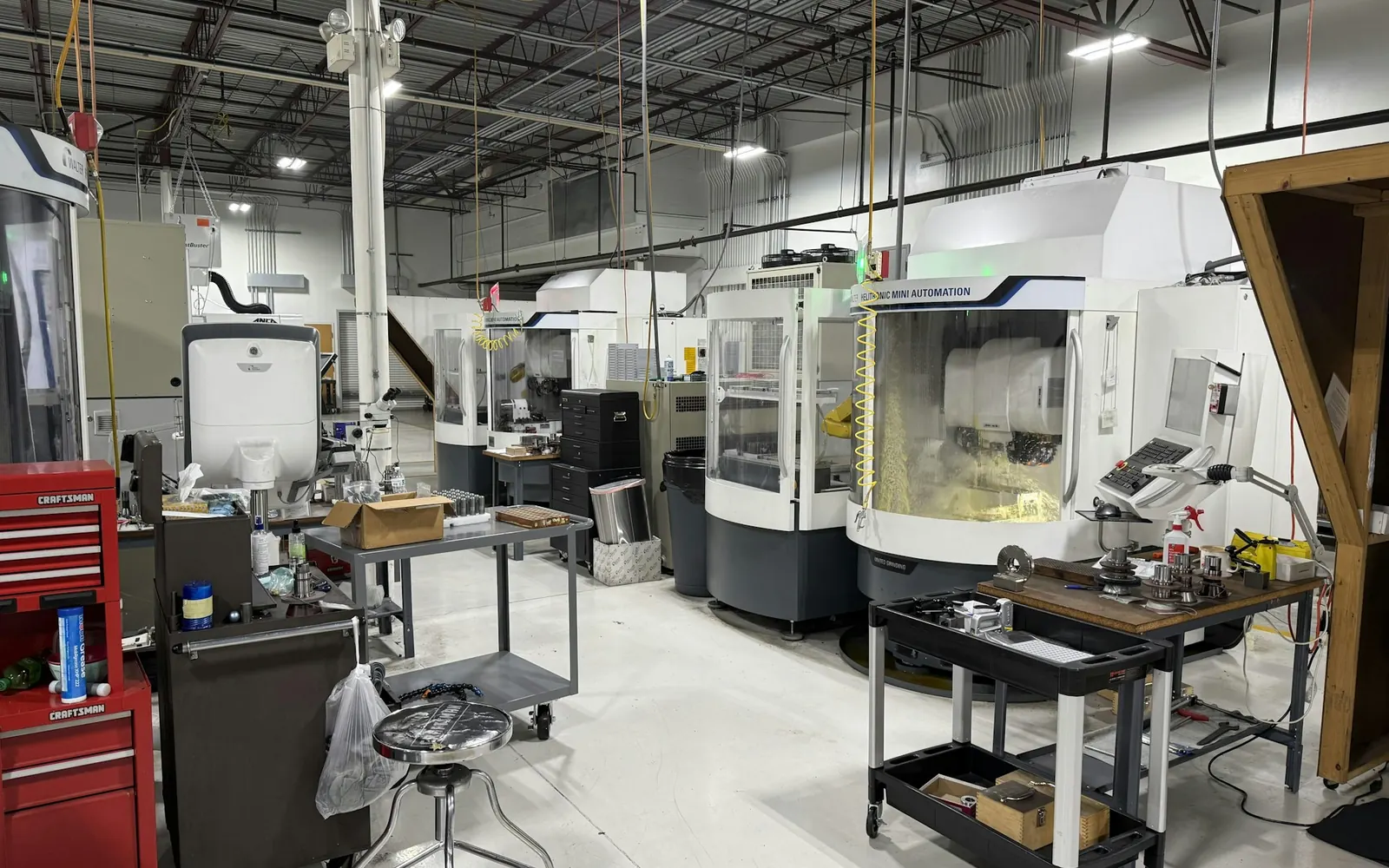 Automotive · Asset inventory
Asset inventory across several countries
A carmaker tags the fixed assets of its plants with RFID, around 50,000 tags per plant. After pilots in Hungary and Romania, the rollout continued to other countries.
Read the case studyFAQ
Do the apps run on devices from different manufacturers?
Yes. R-COM Mobile is hardware-independent and runs on devices from different manufacturers.
Can we start with one process and extend later?
Yes. Many customers start with one process such as inventory or goods receipt and add further templates step by step.
Let's talk about your project
An initial call with a consultant who knows your industry. Phone +49 621 4108 0 · info@data-elektronik.de